
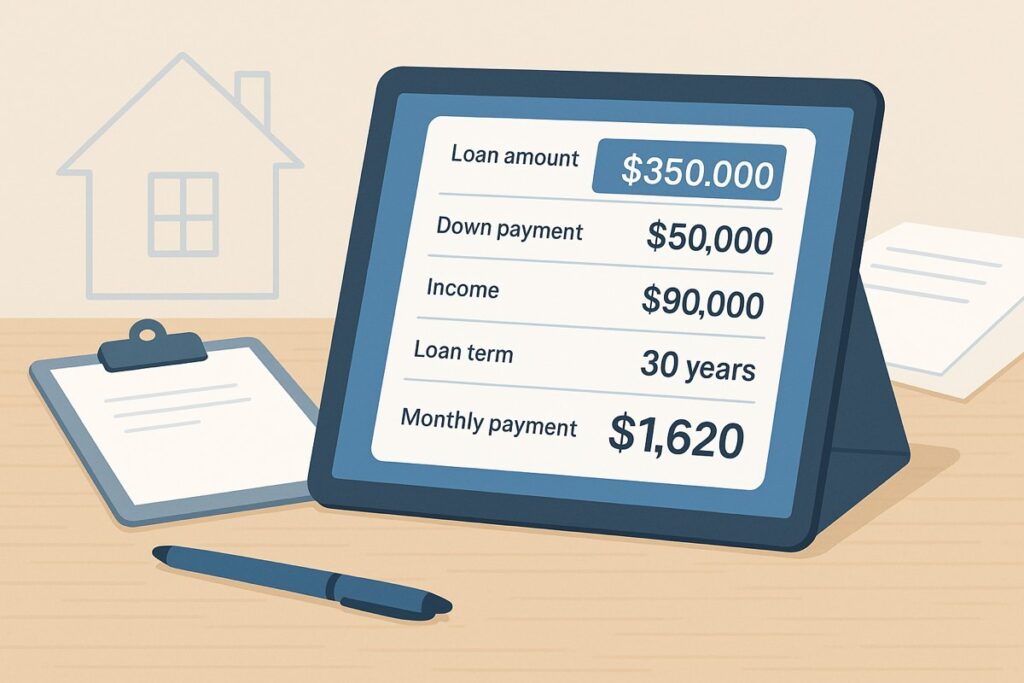
Home affordability calculator
Set the budget before the listing starts selling you on a payment you should not carry. This version is built around comfort, debt load, and full housing cost.
It is easier to stay disciplined before the house becomes emotional.
Advanced cost inputs Open this when taxes, insurance, HOA, or PMI are uncertain enough to move the budget.
Top-end price based on your chosen comfort level, current debt, and full housing costs.
Budget for the move, not just the mortgage
Before you lock in the top end of your home budget, leave room for rental vehicle costs, fuel, deposits, setup purchases, and the first repair surprises.
Compare rental vehicle pricingAffiliate disclosure: OwnerHacks may earn a commission if you use this link. Your price does not change.
Sources & assumptions used in this calculator
This calculator is educational and uses broad homeowner planning assumptions, not lender underwriting. It is designed to pressure-test affordability before a buyer gets emotionally attached to a listing.
- Income and debt framing follows common debt-to-income logic used in mortgage planning.
- Payment realism includes taxes, insurance, HOA dues, PMI, and available cash because those often decide whether a payment is comfortable.
- Reference points include CFPB mortgage resources, HUD homebuying guidance, and standard DTI guardrails.
Use this as a first-pass budget screen, then verify numbers with a lender, insurance quote, property tax estimate, and closing-cost estimate.
Example scenario: qualifies on paper, tight in real life
A buyer may look fine using only income and principal-and-interest math. The pressure usually shows up after adding non-housing debt, property taxes, insurance, PMI, HOA dues, and the cash needed after closing.
Practical read: if the calculator shows the payment works only when every estimate is optimistic, treat the budget as fragile. That does not mean the buyer cannot purchase; it means the next step is tightening insurance, tax, and cash-to-close estimates before touring higher-priced homes.
Decision routing
Use this affordability result the right way.
Affordability is not one number. Run the payment, cash, insurance, and first-year cost checks before deciding a price range is safe.
| If this result shows | Check next | Why it matters |
|---|---|---|
| Price range looks comfortable | Mortgage calculator | Turns the range into an all-in monthly payment with taxes and insurance. |
| Cash after closing is tight | First-year cost checklist | Repairs, deductibles, setup costs, and maintenance hit after the closing table. |
| Insurance could swing the payment | Insurance guide | Premiums, deductibles, roof age, and flood risk can change the safe purchase range. |
Free homeowner checklist
Don’t forget the costs calculators miss.
Get the First-Year Homeowner Cost Checklist so you can plan for repairs, deductibles, setup costs, maintenance, and the surprise expenses that hit after closing.
Get the free checklist →Turn the range into a real payment
Now turn the budget ceiling into a full monthly payment with taxes, insurance, HOA, and PMI still visible.